Step 1
Fill Your Today Page
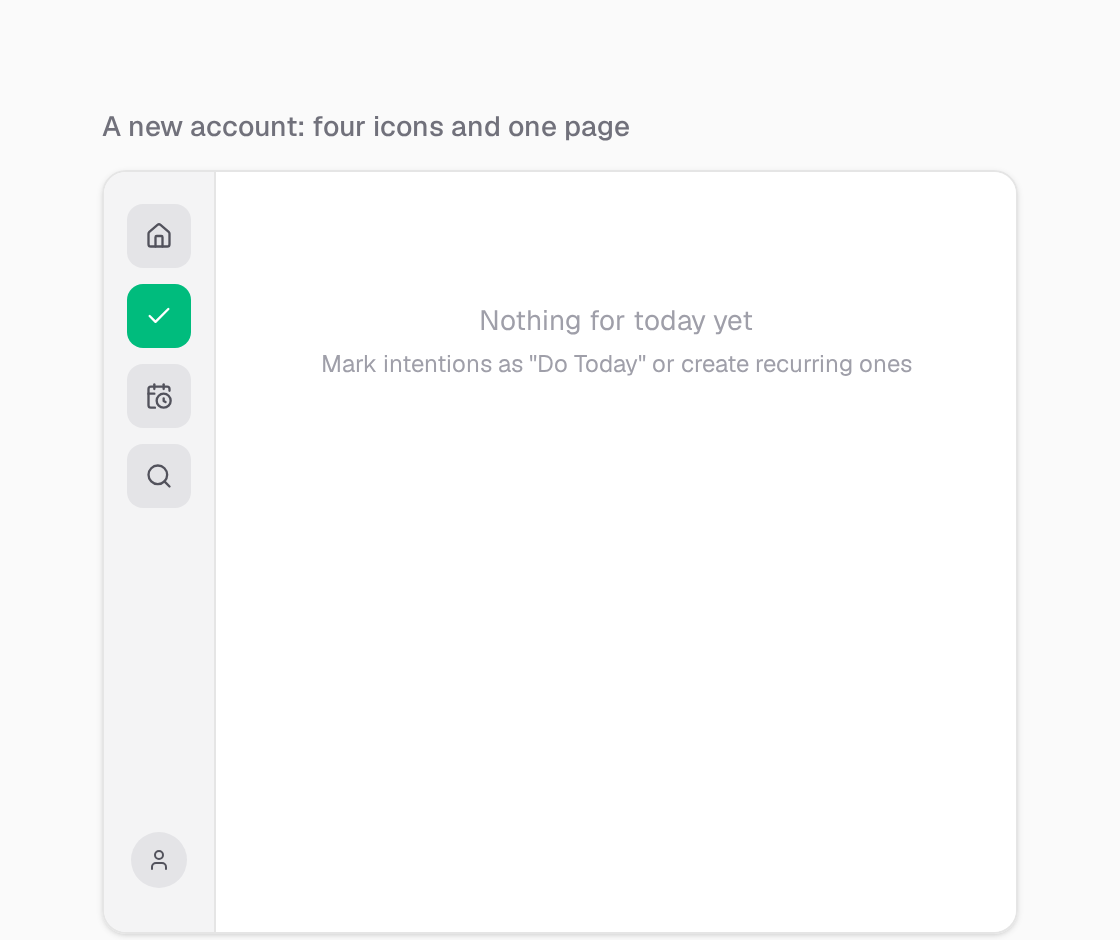
Today is on in every new account, with Focus sessions.
Open Today
Today is the page you land on. It shows what is on for today: what you added, what repeats today, and what is scheduled for today.
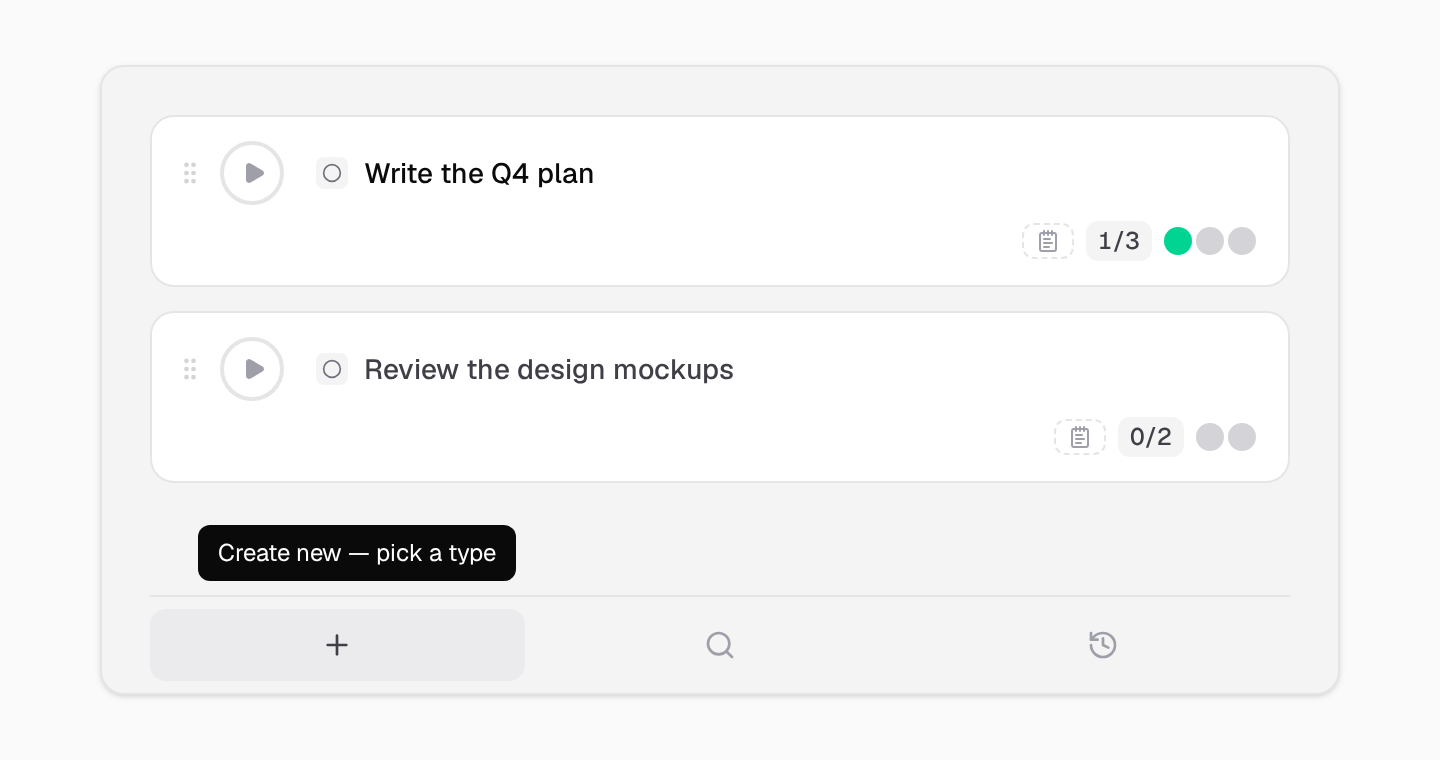
Add to Today
Use the bar at the bottom to create a new card, add a card you already have, or pick one from the last 7 days. From any card, you can also choose Add to Today Focus in its menu.
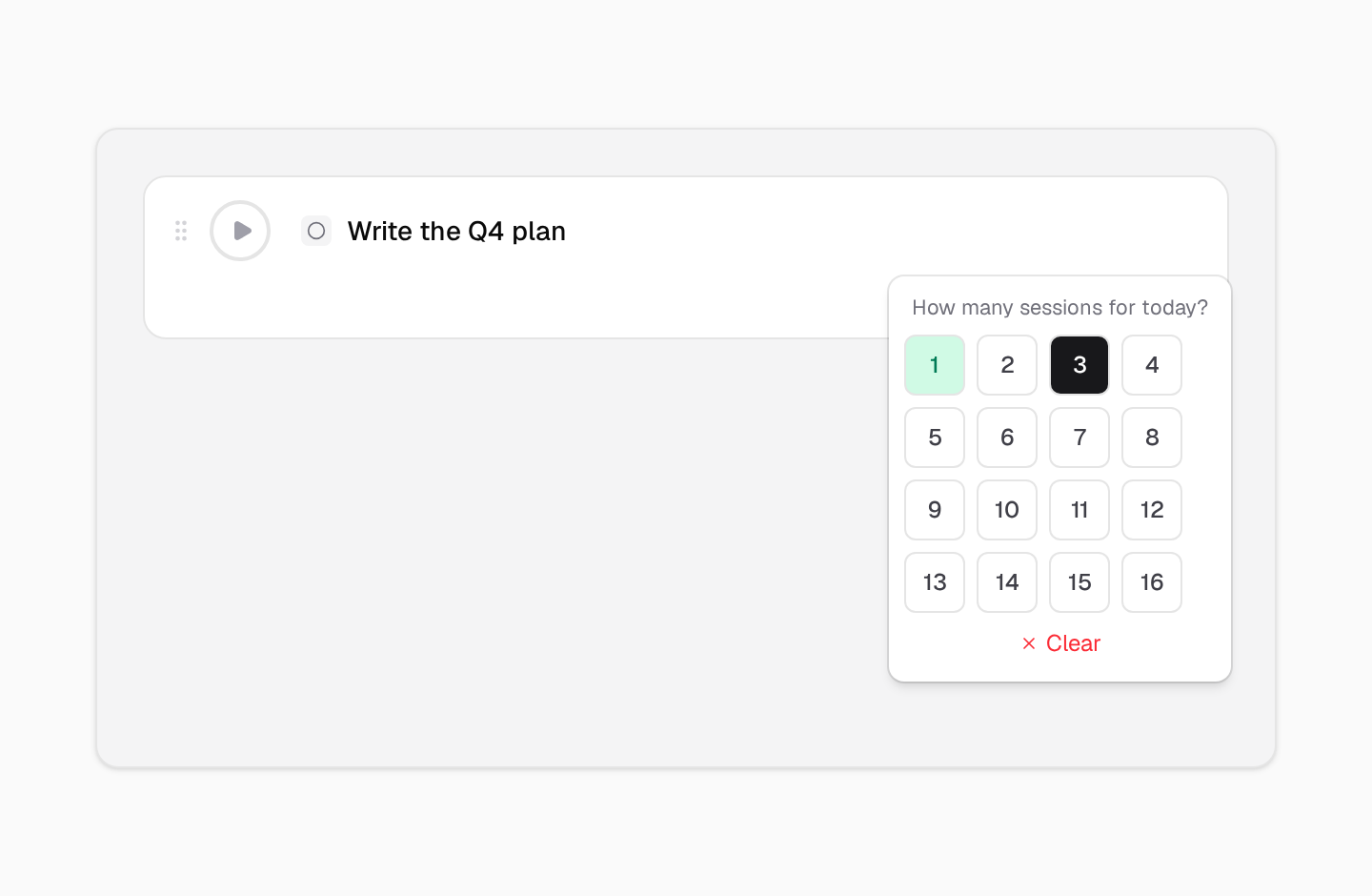
Set target sessions
On a card, set how many focus sessions you want to give it today. It stays on Today until you reach that number.
Step 2
Work in Sessions
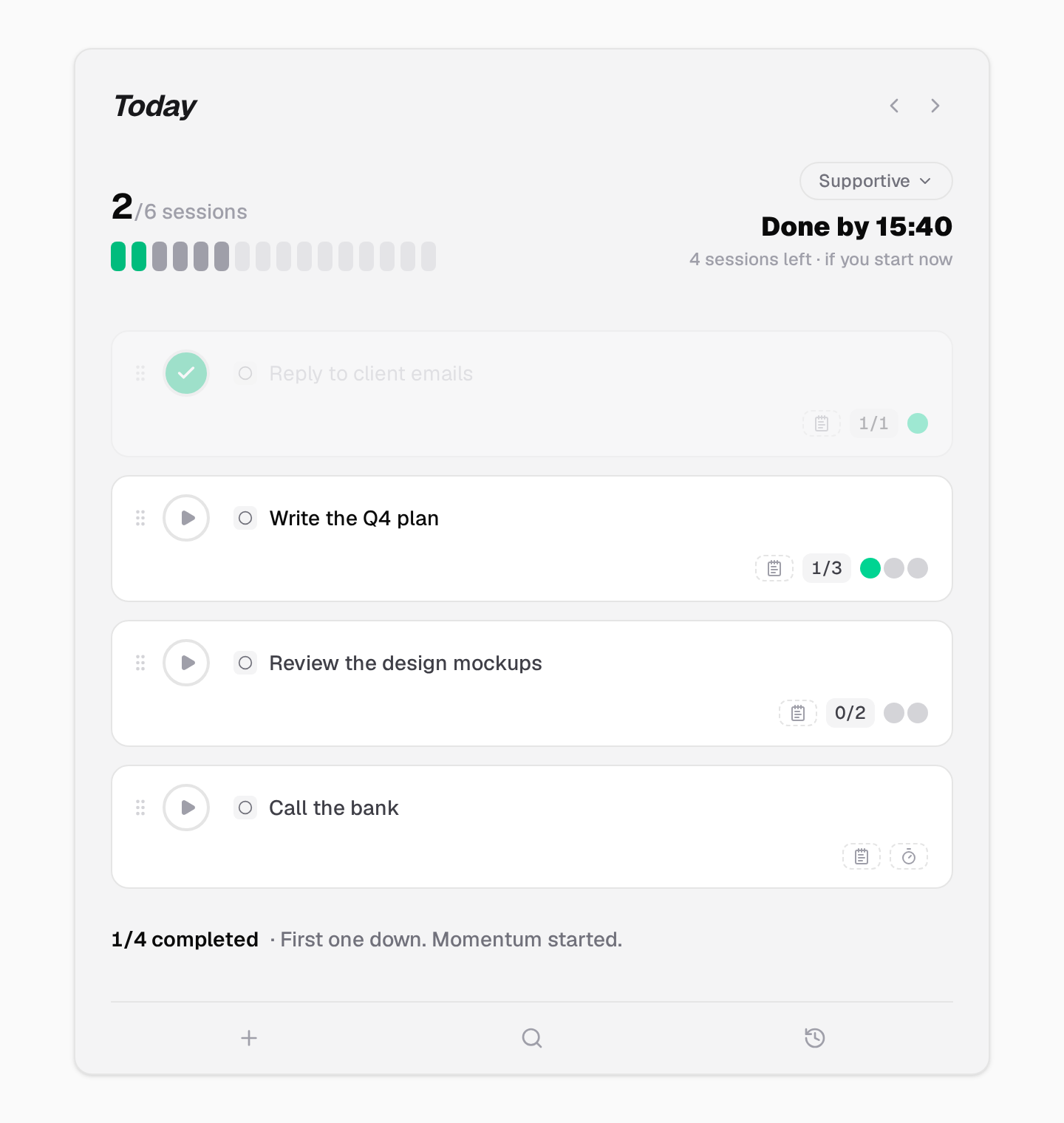
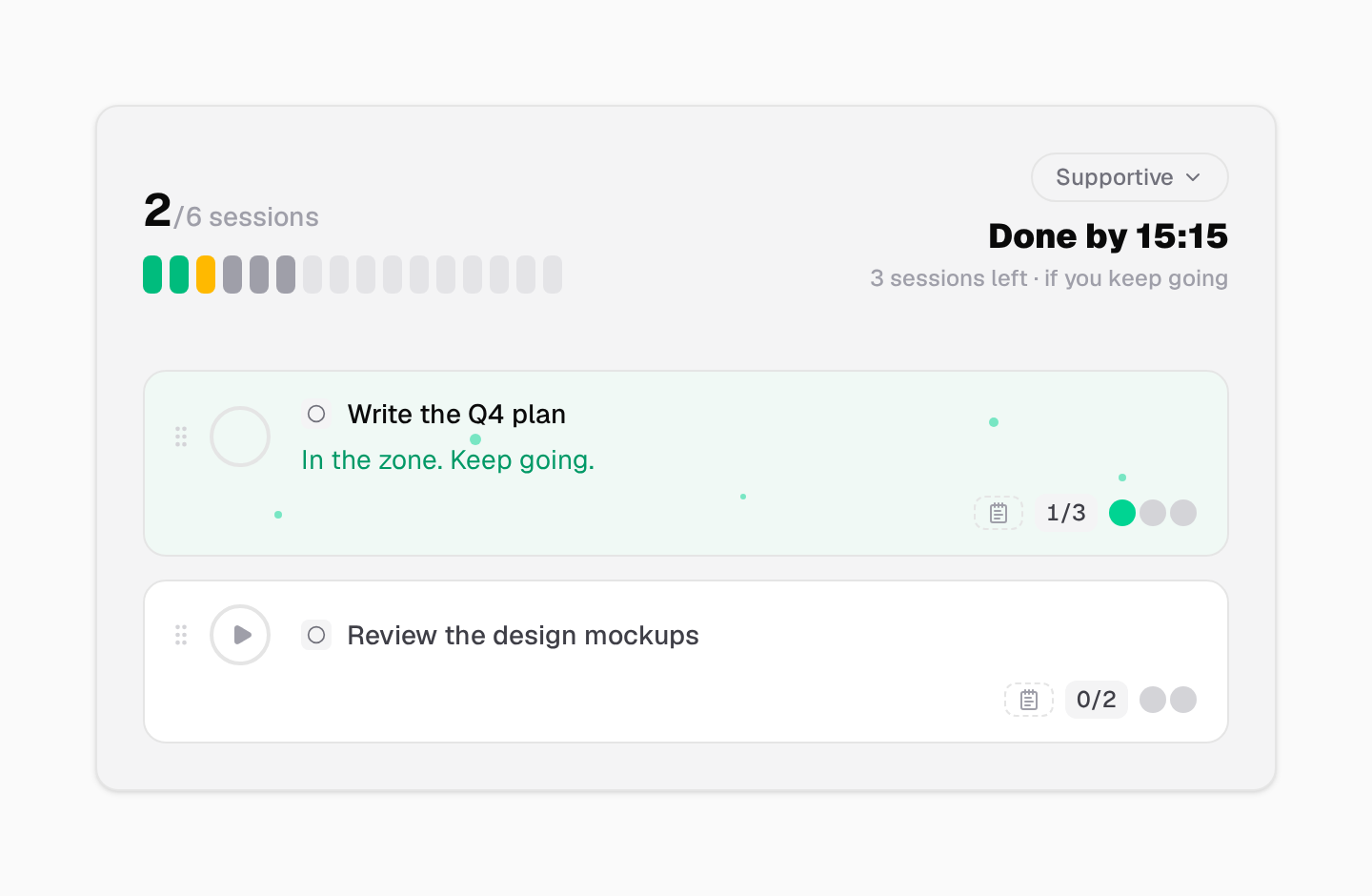
Today lays out your items in order, as a flow.
Follow the flow
Drag items to change the order. Done items are checked, so the next one is always clear.
Start a focus session
Press play on an item to start a session on it. When the session ends, take the break it offers.
Step 3
Know When You Are Done
No guessing how much is left.
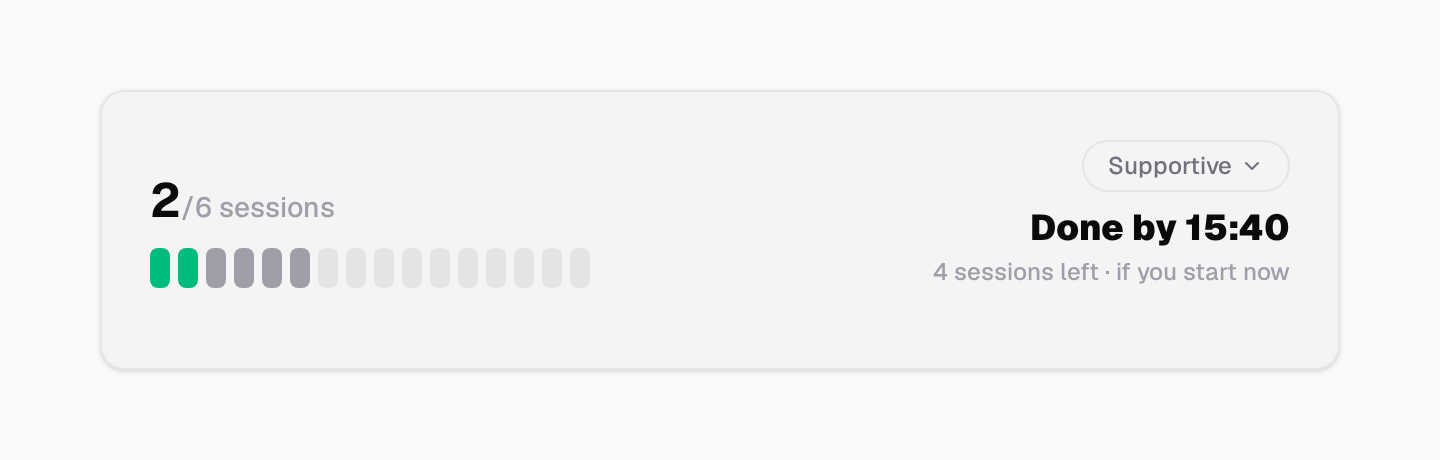
Done by
From your target sessions, Today shows how many sessions are left, and when you will be done if you start now. It updates as you work.
Other paths
Focus with Things
A short list of what you are doing now, and a timer for the time, not for one task.
See the stepsKeep a Habit
A little bot reminds you, and gets upset when you skip.
See the stepsReach a Goal
Keep the goal in view, and attach a challenge that moves it.
See the stepsRemember What Is Coming
Reminders and events that find you, even when the app is closed.
See the stepsReady to Start?
Pick one path. Try it for a week.
30-day free trial. No credit card required.