Step 1
Turn On Notifications
Clarity tells you when a reminder is due, a habit is due, or a focus session ends.
Allow notifications
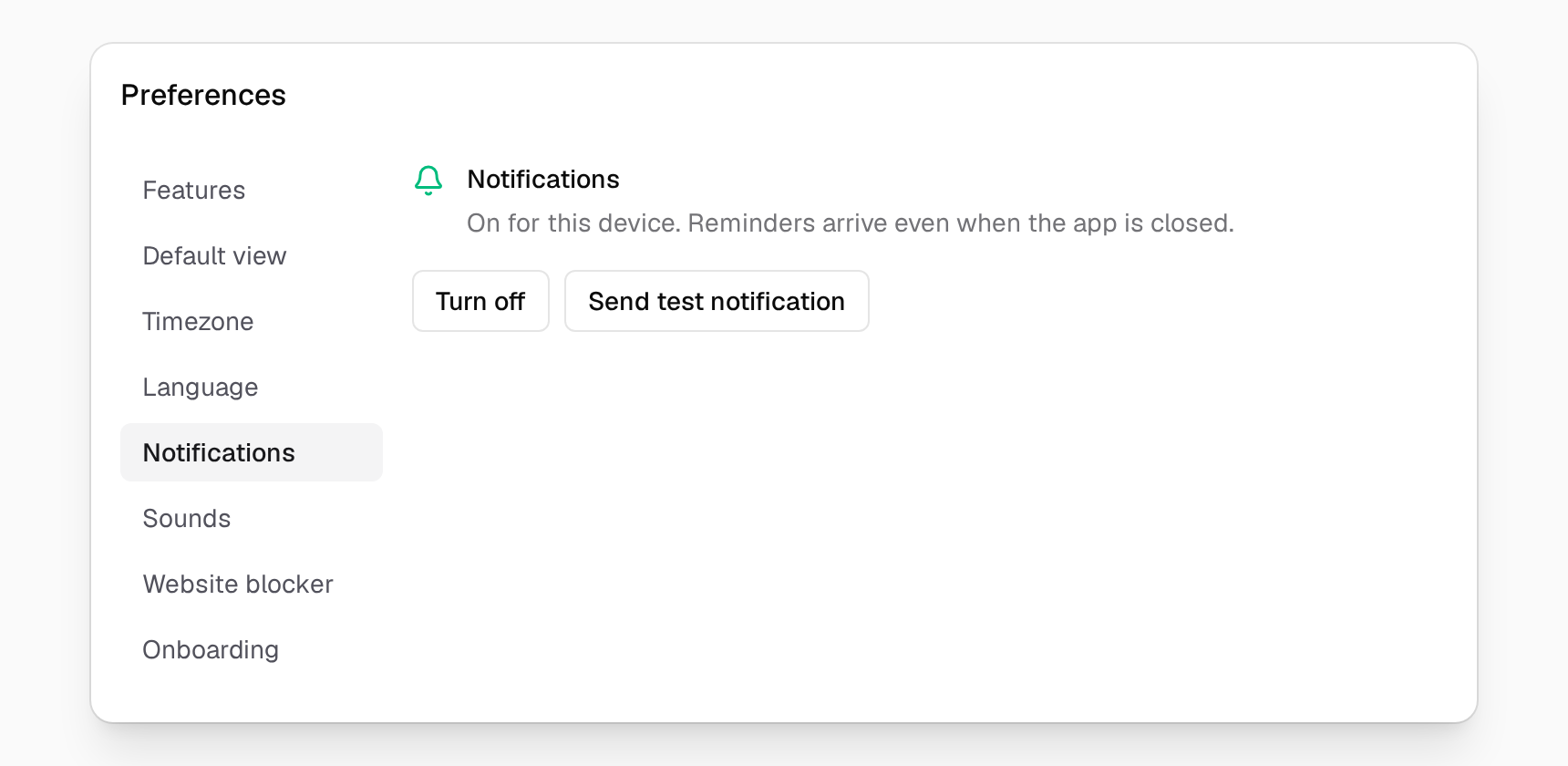
Open Preferences → Notifications and turn them on. Reminders arrive even when the app is closed.
Step 2
Set a Date
Any card can come back on the right day.
Repeat & Reminder
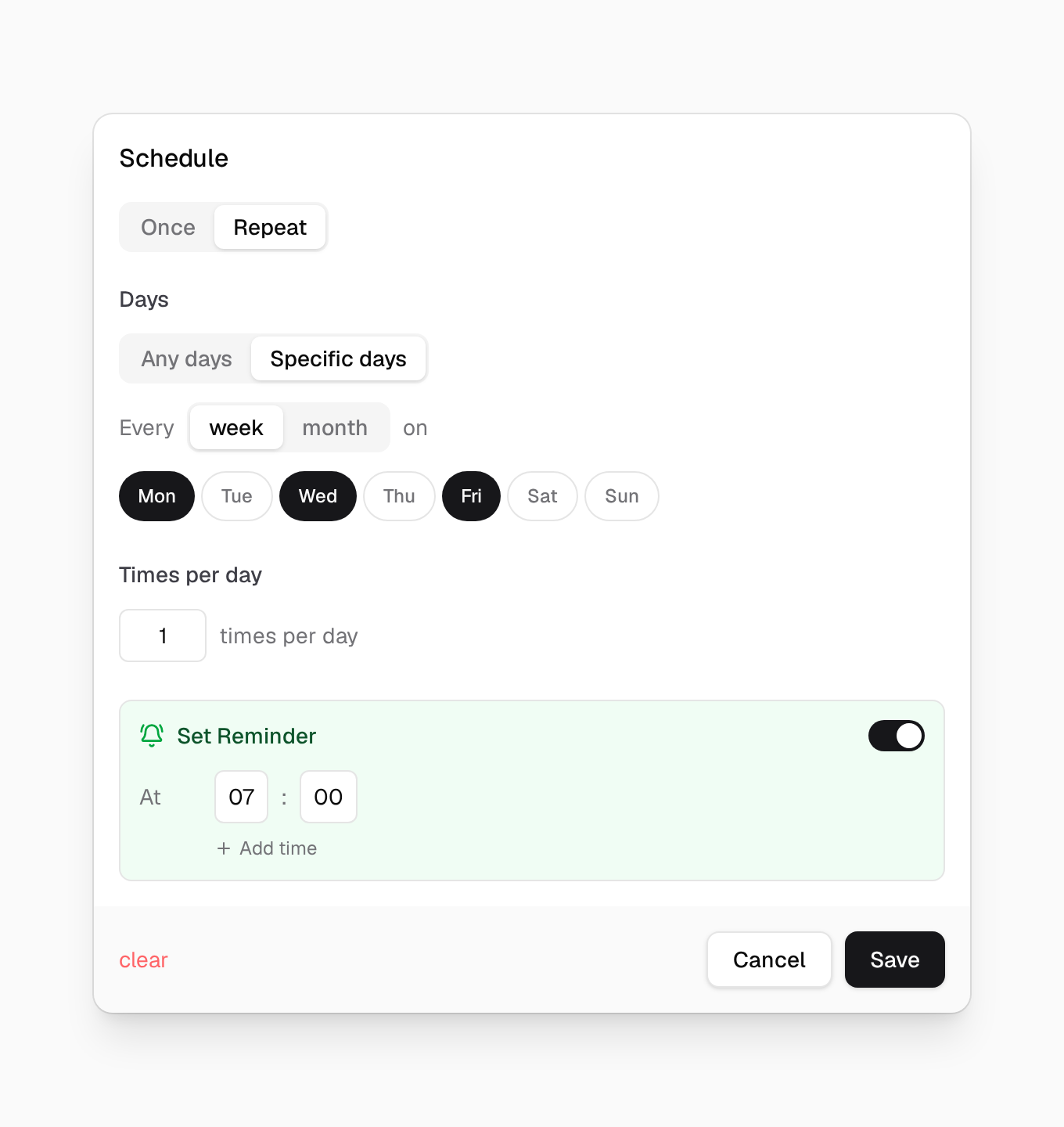
Open a card's menu and choose Schedule → Repeat & Reminder. Pick Once for one date, or Repeat for days of the week. Add a time to get a reminder.
Create an event
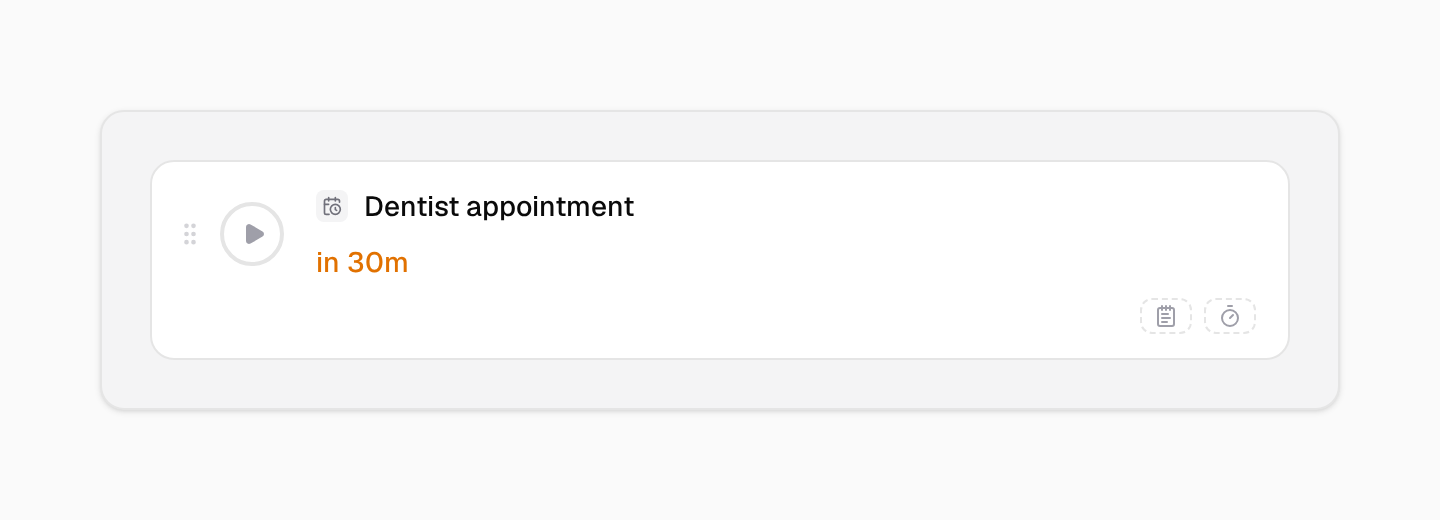
Pick the Event card for a date that matters. It counts down to the day, and its bot comes to the corner 30 minutes before.
Step 3
See What Is Coming
Nothing catches you off guard.
Check Scheduled
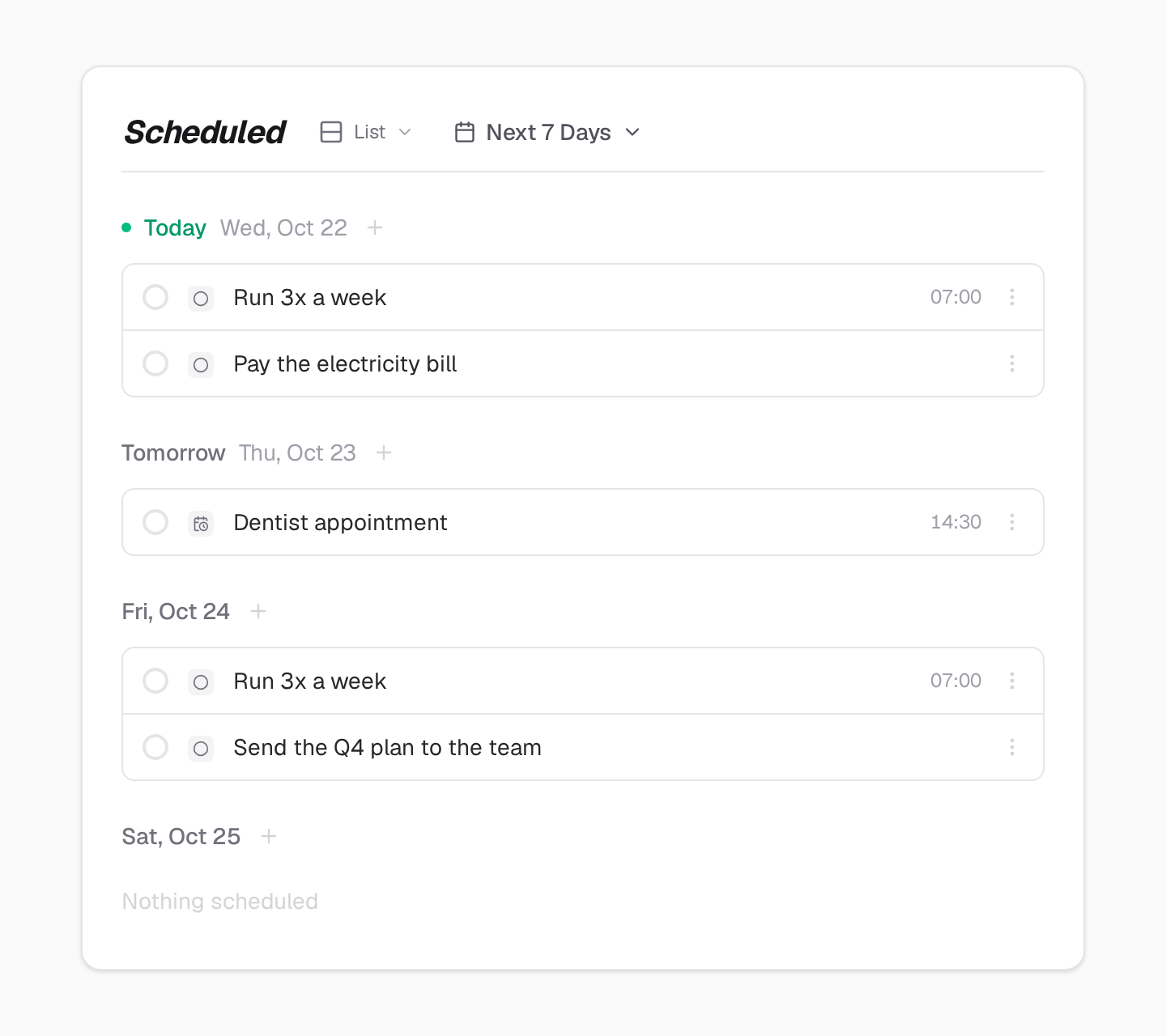
Open Scheduled in the sidebar to see what is coming in the next 7 days, this week or this month.
Other paths
Focus with Today
The classic way: plan the day, then work through it in focus sessions.
See the stepsFocus with Things
A short list of what you are doing now, and a timer for the time, not for one task.
See the stepsKeep a Habit
A little bot reminds you, and gets upset when you skip.
See the stepsReach a Goal
Keep the goal in view, and attach a challenge that moves it.
See the stepsReady to Start?
Pick one path. Try it for a week.
30-day free trial. No credit card required.